


Run a TYPO3 Audit Yourself: Checklist for SEO, Speed and Security
A TYPO3 audit covers SEO, speed, version, accessibility and security. Use four free tools and a PDF checklist to test your website yourself.
Last updated: 3 November 2026
Most teams only look closely at their TYPO3 website once something goes wrong: pages crawl, a ranking drops, or a security notice lands in the inbox. A TYPO3 audit flips that order. You check calmly, before anything breaks.
In short: a TYPO3 audit looks at five areas of your website: SEO, speed, TYPO3 version, accessibility and security. You can test four of them yourself with free tools from NITSAN GmbH, and for security you work through a checklist. The result tells you where to act first.
Below we go through the five areas one by one, each with the question to ask and the result you want to see. You can have the tick-off checklist sent to your inbox further down.
What is a TYPO3 audit and what does it cover?
A TYPO3 audit is a structured stocktake. It answers five questions: Can Google find my pages? Do they load fast enough? Am I on a supported TYPO3 version? Can every visitor use the site, even without a mouse? And is the setup protected?
Touch all five areas. A clean SEO result does little if your version no longer gets security updates, and a current version does not help if key pages are set to noindex. Our tip: start with your five most important pages, not the whole site.
Can Google find and understand your TYPO3 pages? (SEO)

The free SEO checker for TYPO3 runs nine checks, including title tags, meta descriptions, headings, indexing, canonical tags and alt text. You only enter a public URL, no login needed.
A good result looks like this: every page has its own title and description (as a rule of thumb up to 60 and up to 155 characters) and exactly one H1. Important pages are not set to noindex, and the canonical points to the page itself or deliberately to another one.
For the settings behind this, read our post TYPO3 SEO.
Is your TYPO3 website fast enough? (Speed)
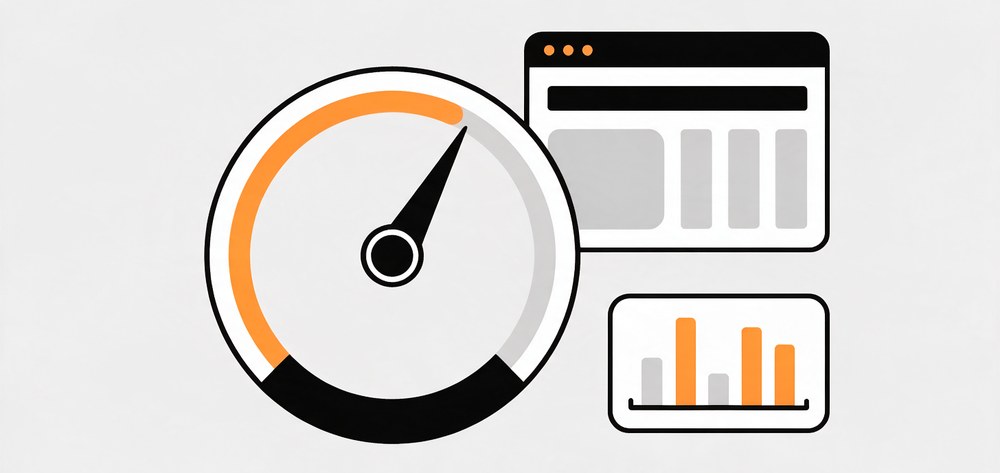
A slow site costs you visitors and visibility. The performance checker for TYPO3 measures page speed, LCP, INP, CLS, JavaScript load, caching and image sizes, including on mobile.
According to web.dev, good values are an LCP of 2.5 seconds or less, an INP of 200 milliseconds or less and a CLS of 0.1 or less, measured at the 75th percentile of page loads. If you are above that, start with TYPO3 performance optimization and TYPO3 Core Web Vitals.
How fast does your website load? Test it now.
Enter your URL in the free Performance Check and see load-time values and the biggest slowdowns in seconds. No login, no installation.
Does your TYPO3 version still get security updates?
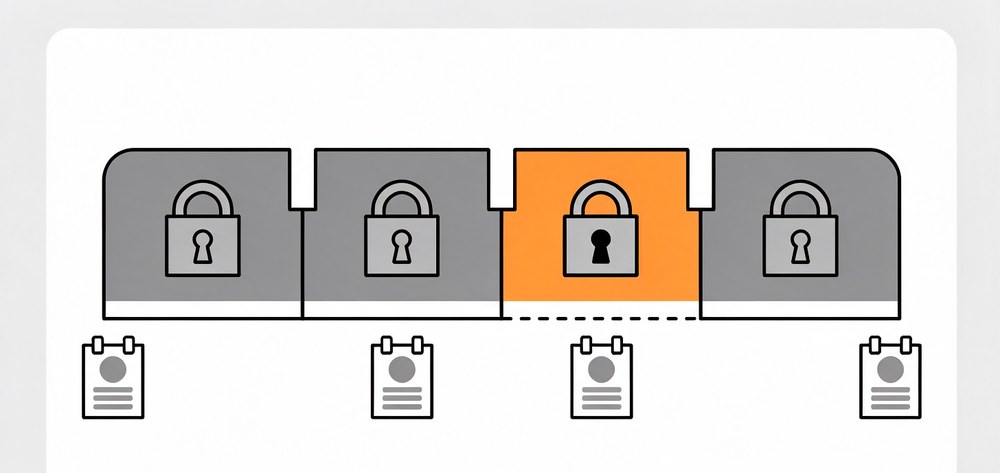
Your version decides whether security fixes still reach you. The version checker for TYPO3 shows in seconds which version your site runs. The URL is enough.
As of 3 November 2026: TYPO3 14 LTS gets security updates until 30 June 2029 and TYPO3 13 LTS until 31 December 2027. Free support for TYPO3 12 ended on 30 April 2026. If you are on version 12 or older, plan a TYPO3 upgrade or look at paid extended support (ELTS).
Can every visitor use your website? (Accessibility)
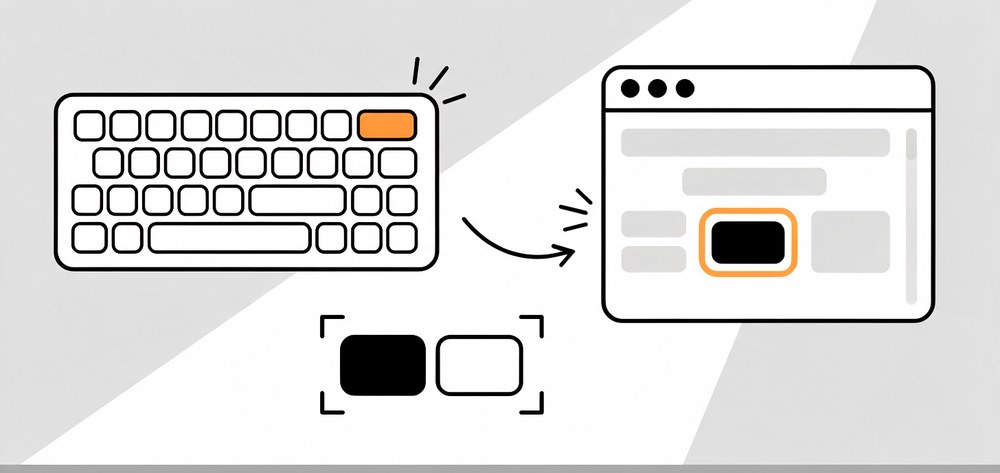
Accessible sites work better for everyone. The accessibility checker for TYPO3 looks at alt text, color contrast, heading structure, keyboard use and form labels. It does not replace an official accessibility test, but it gives you a quick first read.
Is your TYPO3 setup protected? (Security)
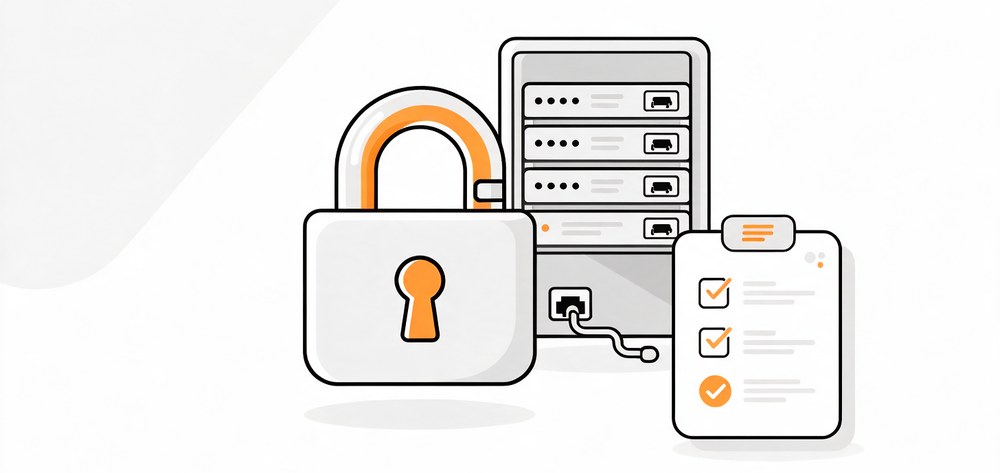
No tool sees everything about security from the outside, so work through these points yourself or ask your technical team to confirm them:
- Your TYPO3 version still receives security updates.
- Core and extensions are on the latest patch level, and unused extensions are removed.
- Every backend user has a personal account and multi-factor authentication is on.
- The Install Tool is protected and not left enabled.
- Backups run automatically and a restore has been tested.
- The site runs on HTTPS throughout.
For background, read TYPO3 security: features, MFA and GDPR explained and the TYPO3 security guidelines.

TYPO3 Audit Checklist (PDF)
Every audit area as a checklist with a findings table to fill in. We send it to you by email.
How do you rate what you find?
Not every finding is equally urgent. This is our view:
| Finding | Urgency | Next step |
|---|---|---|
| Version without security updates | High | Plan an upgrade |
| Key pages on noindex or wrong canonical | High | Fix the settings |
| Core Web Vitals outside the good range | Medium | Check images, caching and scripts |
| Missing titles, descriptions or alt text | Medium | Fill the gaps in the editorial workflow |
| Many findings across several areas | High | TYPO3 audit by experts |
When is an expert TYPO3 audit worth it?
The self-test shows what is visible from outside. Code, extensions, server and database can only be judged by specialists with access. A TYPO3 audit by our team makes sense when you have many findings, before an upgrade or relaunch, and when you take over a site from someone else.
NITSAN GmbH has worked with TYPO3 since 2011, has completed 125+ upgrade projects and is a TYPO3 Association Gold Member. To talk through your findings, write to us via the inquiry page.
Key facts for your TYPO3 audit
Sources checked: 3 November 2026. Recheck the data in 90 days.
- TYPO3 14 LTS: security updates until 30 June 2029 (TYPO3 News, 30 April 2026).
- TYPO3 13 LTS: security updates until 31 December 2027 (TYPO3 News, 30 April 2026).
- TYPO3 12: free support ended on 30 April 2026 (TYPO3 News).
- TYPO3 11: support ended on 31 October 2024 (eosl.date).
- Core Web Vitals, good range: LCP up to 2.5 seconds, INP up to 200 milliseconds, CLS up to 0.1 (web.dev).
- NITSAN GmbH SEO check: nine checks, only the website URL needed (tool page, 3 November 2026).
TYPO3 audit: frequently asked questions
A TYPO3 audit is a systematic check of your website. It covers SEO, speed, TYPO3 version, accessibility and security, and shows where you need to act. You can test the visible points yourself with free tools. Specialists handle the deeper checks of code, extensions and server.
Yes, for everything that is visible from outside. The SEO check, performance check, version check and accessibility check from NITSAN GmbH are free to use. You enter your website URL for each. You go through the security points with the PDF checklist, which needs access to the backend and server.
Check after every major change, for example after an update, new extensions, a relaunch or a hosting move. A fixed rhythm helps too. As a rule of thumb, check about every three months. Apply TYPO3 security updates promptly, whatever your rhythm is.
The SEO check looks at nine things: title tags, meta descriptions, heading structure, indexing, canonical tags, schema markup, internal links, image alt text and mobile SEO. Possible findings include missing or duplicate titles, several H1s on one page and pages that are set to noindex by mistake.
No. The self-test shows what is visible from outside. Only specialists with access can check code, extensions, server, database and permissions. The self-test helps you set priorities and ask better questions. With many findings, or before an upgrade, we recommend an expert audit.
Contact for Internet agency and TYPO3 projects
Sven Thelemann
Service Partner - Germany


Sven Thelemann
Client Service LeadSven Thelemann serves as the Client Service Lead at NITSAN, focusing on delivering TYPO3 solutions that meet client goals. With a strong understanding of technology and client expectations, he ensures smooth communication and project execution. Outside of work, Sven enjoys cycling and experimenting with homemade recipes.
Be the First to Comment